 For any question call us at







AutoCAD Mechanical Course Overview
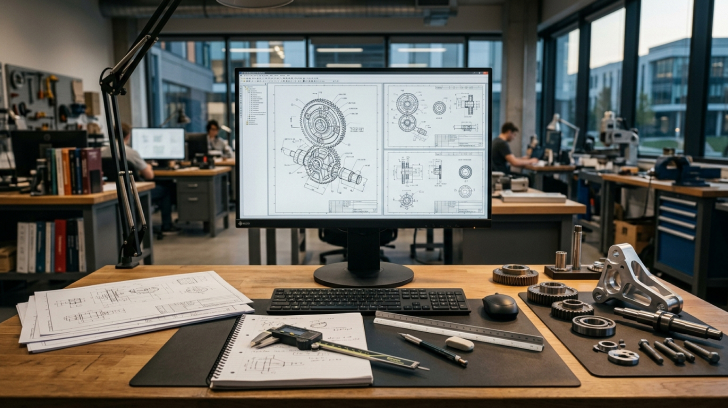
Our Mechanical Course Training equips you with essential skills to create accurate mechanical components, assemblies, and manufacturing blueprints using AutoCAD. This program combines hands-on projects with industry-standard workflows, helping beginners and professionals enhance their expertise. Gain practical experience in designing, modeling, and drafting for roles in manufacturing, product design, and engineering services, preparing you for a successful career in mechanical engineering.
Master 2D & 3D Mechanical Design
Master 2D & 3D drafting, modeling, and advanced mechanical design techniques.
Hands-On Mechanical Projects
Gain practical experience with assemblies, detailed blueprints, and manufacturing drawings.
Industry-Oriented Training
Learn through project-based training aligned with current industry standards.
Career Guidance & Placement Support
Receive career guidance and placement assistance to boost job opportunities.
100% Practical Learning
Engage in practical training with real-time, industry-relevant projects.
Module 1: AutoCAD Foundations for Mechanical Engineers
- Navigating the interface & customizing workspaces
- Understanding coordinate systems for drafting
- Basic drawing commands and object modifications
- File formats and data management in AutoCAD
Module 2: Mechanical 2D Drafting Techniques
- Drawing mechanical parts with dimensional accuracy
- Using layers, line types, and colors effectively
- Adding annotations, tolerances, and symbols
- Printing and plotting 2D designs
Module 3: 3D Modeling for Mechanical Design
- Creating solid models of components
- Extrude, revolve, sweep, and loft operations
- Applying materials and basic rendering
- Assembling multiple parts into a mechanical unit
Module 4: Advanced Drafting & Documentation
- Using parametric constraints for precision
- Creating assembly drawings with Bill of Materials
- Detailing exploded and sectional views
- Referencing large projects with Xrefs
Module 5: Industry Projects & Certification Prep
- Full-scale mechanical assembly project
- Applying design standards (ISO, ASME)
- Building a CAD portfolio for job applications
- Mock assessments for certification readiness
The AutoCAD Mechanical course you will Master

AutoCAD Mechanical
Let Your Certificate Speak
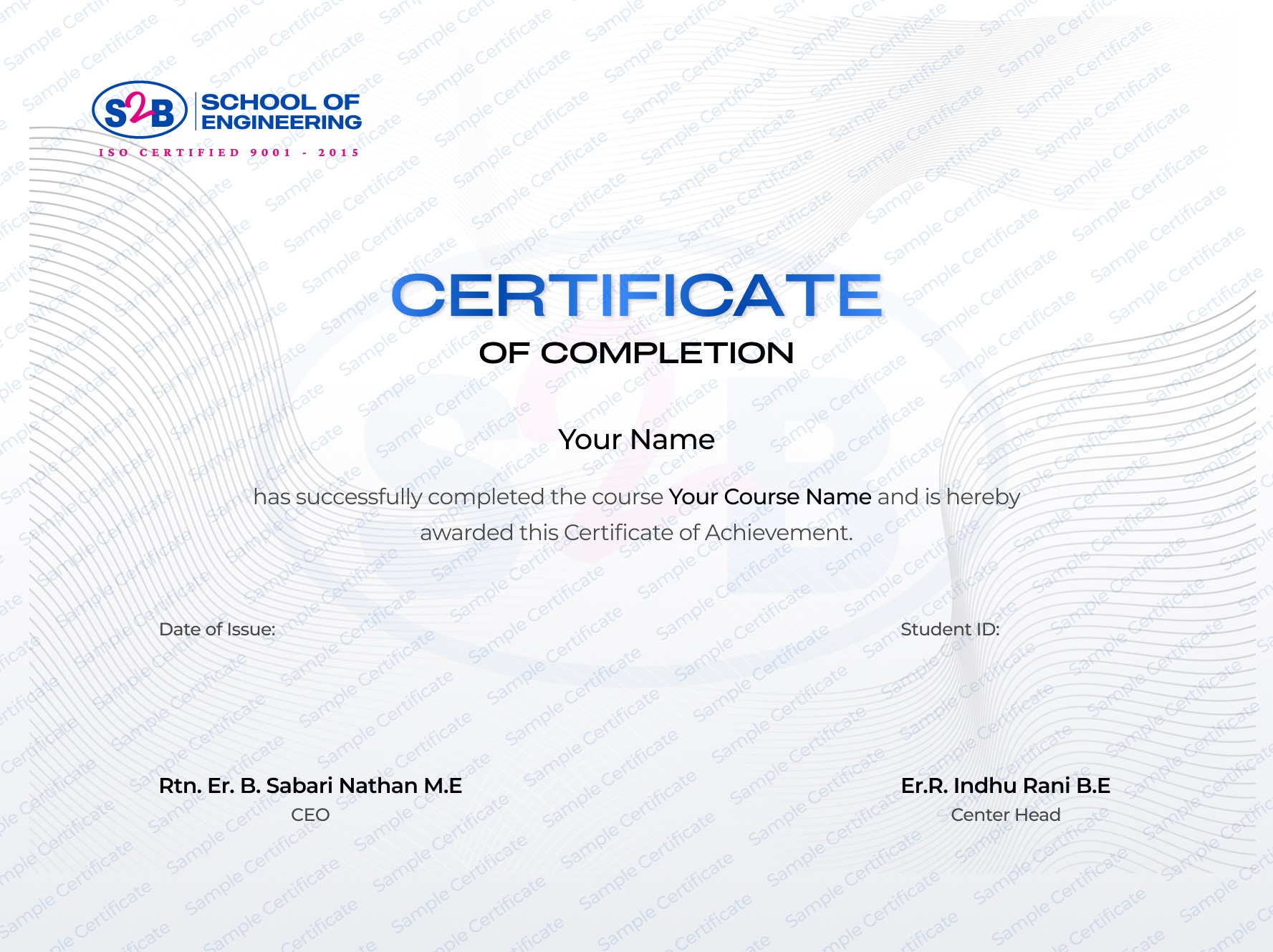
ISO-certified AutoCAD Mechanical Design Certification recognized in India & abroad
Instant digital download upon course completion
Employer-recognized certification
Shareable on LinkedIn
After this course, you will be Able to
-
Create professional mechanical designs and production-ready documentation
-
Interpret and develop engineering drawings meeting ISO/ASME standards
-
Collaborate effectively with manufacturing and design teams
-
Apply AutoCAD tools to solve real-world mechanical challenges
-
Build a strong CAD portfolio for global job opportunities
Frequently Asked Questions
Mechanical CAD Design With AutoCAD
Course Quick Info
A Course by

Indhu Rani
Mechanical CAD Trainer
Requirements
- A laptop or PC with AutoCAD (Student or Trial version installed).
- Basic understanding of mechanical engineering concepts is helpful but not mandatory.
Target Audience
- Mechanical engineering students aiming to start a CAD career
- Graduates or diploma holders seeking to upskill
- Professionals in manufacturing, product design, or maintenance
- Aspiring AutoCAD drafters wanting ISO-level certification