 For any question call us at








AutoCAD Course Overview

Our civil CAD training in Madurai is crafted for engineers and professionals looking to master 2D drafting and 3D modeling. Covering industry-relevant tools and workflows, this course provides practical skills for real-world construction and infrastructure projects. Expert-led, hands-on sessions equip you to design, draft, and execute projects with accuracy, efficiency, and confidence.
Civil Drafting & Infrastructure Design
Learn civil drafting, site plans, layouts, and infrastructure design.
2D & 3D Civil Modeling
Master 2D & 3D modeling for real-world civil projects.
Hands-On Practical Training
100% hands-on training with practical assignments.
Expert Civil Mentors
Expert mentors with civil engineering and construction experience.
Certification & Career Guidance
Industry-recognized certification and career guidance for placement.
Module 1: Introduction to AutoCAD for Civil Engineering
- Overview of AutoCAD and its role in civil projects
- Installation and system requirements
- Understanding the AutoCAD interface and workspace
- Basic drawing tools and commands
- Coordinate systems and precision drawing
Module 2: 2D Drafting for Civil Engineering
- Creating site plans, layouts, and sections
- Working with lines, polylines, and shapes
- Layers, line types, and color management
- Dimensioning, text, and annotations
- Using hatching, gradients, and patterns
Module 3: 3D Modeling for Civil Structures
- Introduction to 3D modeling in AutoCAD
- Creating surfaces, solids, and meshes
- Modeling foundations, beams, and columns
- Terrain modeling and topographic surfaces
- Visualization tools: orbit, view, and rendering
Module 4: Civil Engineering Applications
- Drafting floor plans and elevations for buildings
- Road and highway alignment drawings
- Water supply and drainage layouts
- Structural detailing and reinforcement drawings
- Quantity takeoff and estimation basics
Module 5: Advanced Tools & Project Workflow
- Blocks, attributes, and dynamic blocks
- External references (Xrefs) for team collaboration
- Layouts, plotting, and printing drawings
- Customization of templates and standards
- Final project: preparing complete civil drawings
The AutoCAD course you will Master

AutoCAD
Let Your Certificate Speak
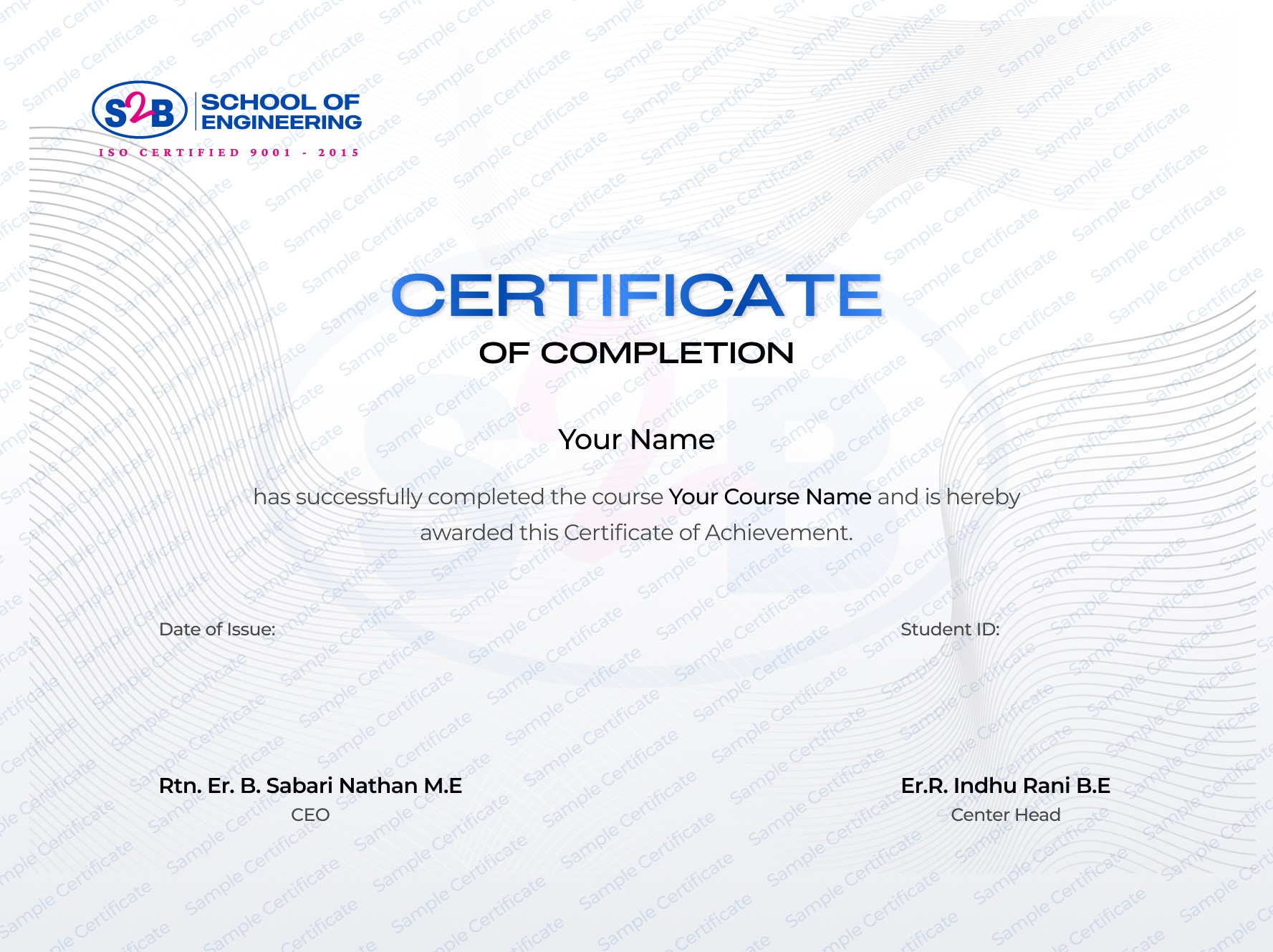
Recognized certification that upgrades your professional profile and portfolio.
Instant download after course completion
Verified & authentic, each certificate includes a unique verification link for employers to check.
Sharable on Linkedin
After this course, you will be Able to
-
Design accurate civil engineering 2D and 3D drawings
-
Create professional site layouts, road networks, and drainage plans
-
Apply structural detailing for construction projects
-
Prepare complete project documentation ready for approval
-
Work confidently in civil engineering, infrastructure, and CAD design firms
Frequently Asked Questions

Autocad Course for Civil Engineers and Architects
Course Quick Info
A Course by

Indhu Rani
Civil CAD Trainer
Requirements
- Basic computer literacy and familiarity with operating systems.
- Understanding of fundamental engineering concepts and terminology.
- Access to a computer with AutoCAD software installed.
Target Audience
- A civil engineering student looking for the best AutoCAD course in Madurai
- A graduate or professional wanting to upskill at the top CADD institute in Madurai
- An aspiring designer aiming to work in infrastructure, construction, or design firms