 For any question call us at







Lumion Course Overview
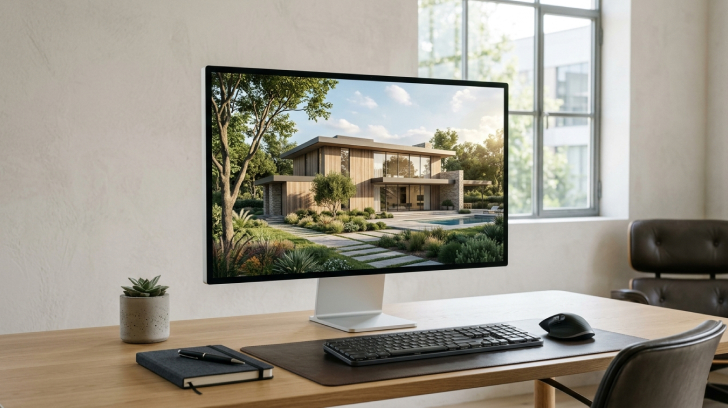
The Lumion software course is designed for civil engineers, architects, and designers who want to bring their CAD and BIM models to life. With Lumion, you can transform designs into photorealistic images, videos, and interactive walkthroughs that make presentations more engaging. This course will guide you in using Lumion to enhance workflow, improve client communication, and create stunning visuals that showcase civil projects with clarity, creativity, and impact.
Architectural Visualization with Lumion
Learn architectural visualization, interior & landscape design with Lumion.
Industry-Recognized Certification
Industry-recognized certification after course completion.
Hands-On Project Training
100% hands-on training with real-time projects.
Expert Design Mentors
Expert mentors with design & visualization experience.
Career Guidance & Placement Support
Career guidance and placement support for industry opportunities.
Module 1: Introduction & Scene Setup
- Overview of Lumion and its applications
- Installation and system requirements
- User interface and navigation
- Importing models from SketchUp, Revit, Rhino, etc.
- Placing and organizing objects
- Understanding the Lumion Library
- Terrain editing and landscape design
- Working with layers for scene organization
Module 2: Materials, Textures & Environment
- Applying and editing materials
- Using custom textures and maps (normal, gloss, displacement)
- Glass, metal, and emissive materials
- Weathering and aging effects
- Sun and sky settings
- Artificial lighting (spotlights, omni lights, area lights)
- Time of day and seasonal effects
- Global illumination and shadows
Module 3: Camera, Composition & Rendering Stills
- Placing and adjusting cameras
- Creating still images and viewpoints
- Depth of field and lens effects
- Composition and framing techniques
- Image effects (realistic and artistic)
- Color correction and post-processing
- Rendering high-quality still images
Module 4: Animation, Video & Special Effects
- Creating a camera path
- Animating objects and people
- Weather, day/night transitions
- Exporting videos (MP4, resolution settings)
- Sky and clouds
- Volumetric lighting and fog
- Fire, water, rain, snow, and other elements.
- Adding people, vehicles, and animated elements
Module 5: Real-time Rendering & Final Project
- Using Lumion LiveSync with Revit/SketchUp
- Real-time walk-throughs
- VR headset compatibility (basic intro)
- Planning and designing a complete scene
- Rendering stills and walkthrough videos
- Presentation techniques
The Lumion course you will Master

Lumion
Let Your Certificate Speak
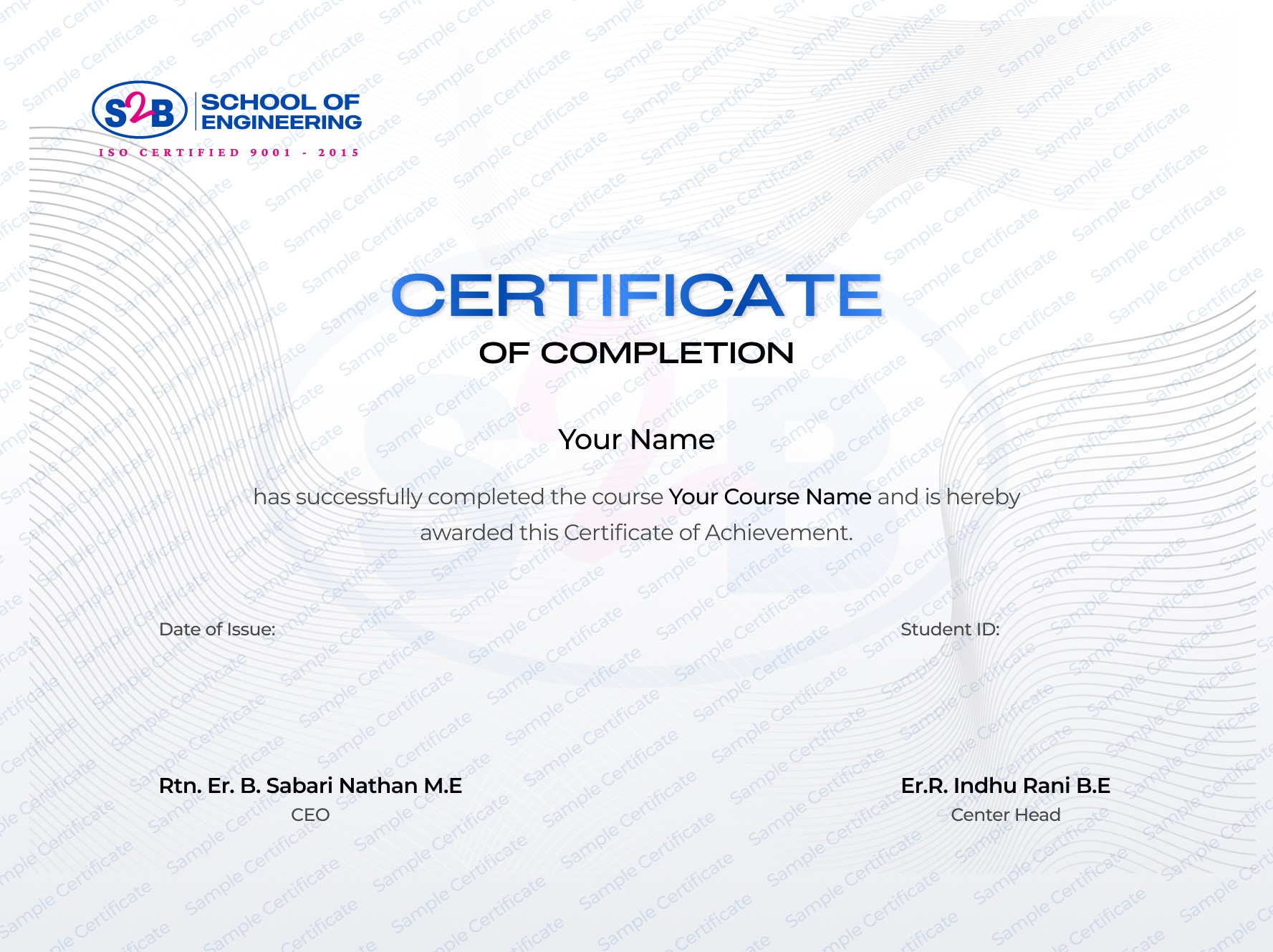
Recognized certification that upgrades your professional profile and portfolio.
Instant download after course completion
Verified & authentic, each certificate includes a unique verification link for employers to check.
Sharable on Linkedin
After this course, you will be Able to
-
Create stunning 3D renders of civil structures
-
Produce walkthrough animations and client presentations
-
Integrate Lumion with AutoCAD and Revit projects
-
Enhance project visualization for construction and planning
-
Build a strong portfolio for career opportunities
Frequently Asked Questions

Architectural Visualisation With Lumion
Course Quick Info
A Course by

Indhu Rani
Civil CAD Trainer
Requirements
- Basic knowledge of CAD software (AutoCAD/Revit recommended).
- Interest in civil design visualization.
Target Audience
- A civil engineering student wanting to learn visualization
- A professional looking to enhance client presentations
- An architect or designer aiming to add photorealistic rendering to their projects