 For any question call us at





V-Ray Course Overview

The V-Ray Training for Civil Engineering at S2B School of Engineering, Madurai, helps students and professionals master realistic architectural visualization. You will learn to integrate AutoCAD, Revit, and 3ds Max models with V-Ray to create high-quality renders. With hands-on projects, industry-focused modules, and expert-led sessions, this course equips you with the visualization skills required for civil design, construction, and architectural presentations.
Industry-Standard V-Ray Techniques
Learn industry-standard V-Ray rendering techniques.
Hands-On Practical Training
Hands-on training with real-time civil projects.
Software Integration
Integration with 3ds Max, AutoCAD & Revit models.
Learning Resources
Access to course materials, practice files & case studies.
Career-Focused Training
Career-focused training with placement guidance.
Module 1: Introduction to V-Ray and Civil Applications
- Overview of V-Ray interface and workflow
- Importance of rendering in civil engineering
- Setting up basic projects with V-Ray
- Rendering pipelines with CAD & BIM software
- Fundamentals of visualization techniques
Module 2: V-Ray Materials & Textures
- Applying realistic textures to civil structures
- Material properties and customization
- Using displacement and bump maps
- Creating glass, concrete, and metal finishes
- Reflection and refraction techniques
- Advanced surface detailing for exteriors
- Importing material libraries
Module 3: Lighting & Rendering Techniques
- Natural light simulation in V-Ray
- Artificial lighting for interior spaces
- HDRI and global illumination
- Daylight simulation for architectural projects
- Rendering optimization for quality vs speed
Module 4: Advanced V-Ray for Visualization
- Exterior rendering workflows
- Interior civil space rendering
- Walkthrough animation techniques
- Camera setup and composition
- Rendering site plans with realism
- Advanced light mixing in V-Ray
- Scene environment and sky models
- Post-processing techniques in the V-Ray frame buffer
Module 5: Project-Based Training & Portfolio Development
- End-to-end civil visualization project
- Creating presentation-ready renders
- Architectural site visualization
- Preparing final portfolio
- Exporting and presenting renders professionally
- Industry case study assignments
The V-Ray course you will Master

V-Ray
Let Your Certificate Speak
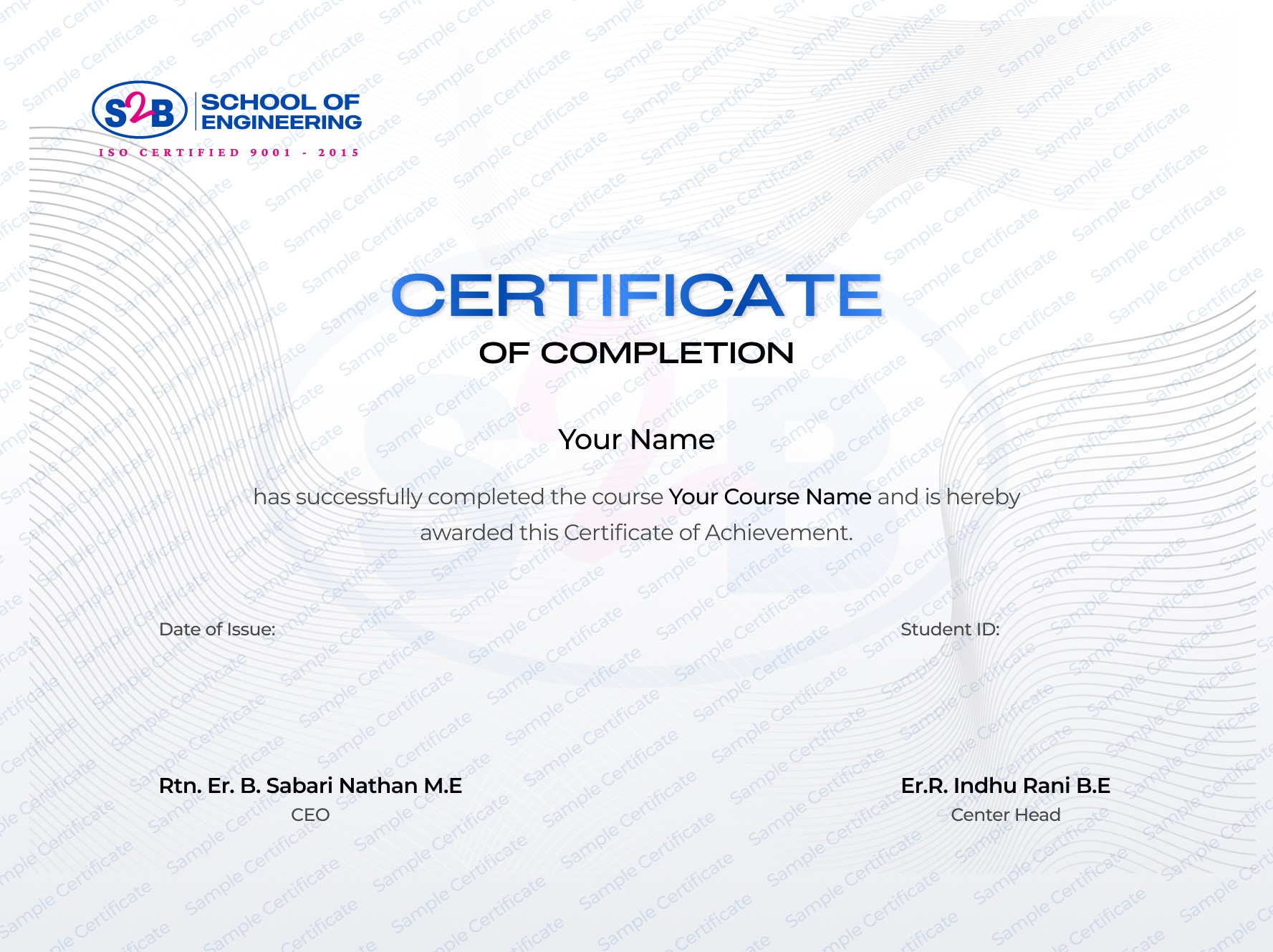
Recognized certification that showcases your 3D visualization skills.
Instant download after course completion
Verified & authentic, with a unique verification link for employers.
Sharable on Linkedin
After this course, you will be Able to
-
Render realistic civil and architectural designs
-
Apply advanced material and lighting techniques
-
Create walkthroughs and visual presentations
-
Integrate CAD & BIM models with V-Ray
-
Work as a 3D visualizer or rendering specialist
Frequently Asked Questions
V-Ray Training for Civil Engineering
Course Quick Info
A Course by

Indhu Rani
Civil CAD Trainer
Requirements
- Basic knowledge of civil/architecture concepts and interest in 3D visualization.
- Access to a computer with AutoCAD/Revit/3ds Max and V-Ray installed.
Target Audience
- Civil engineering or architecture students seeking visualization skills
- Professional engineers wanting to enhance presentations with photorealistic renders
- Architects and designers aiming to build a visualization portfolio