 For any question call us at





SketchUp & 3ds Max Course Overview

Our SketchUp + 3ds Max training in Madurai is designed for architecture, civil, and design professionals who want to excel in 3D modeling and realistic rendering. SketchUp enables you to quickly create precise models, while 3ds Max enhances those designs with photorealistic visualization, textures, lighting, and animation. With project-based training, expert mentorship, and ISO-recognized certification, this program equips you with the tools to confidently design, present, and deliver professional-quality projects in architecture, interior design, and construction visualization.
Integrated SketchUp & 3ds Max Training
Learn both SketchUp and 3ds Max in a single integrated program.
100% Practical Training
100% practical training with real-world projects.
Expert-Led Learning
Training by experienced architects and visualization experts.
ISO-Certified Course
ISO-certified course completion certificate.
Career Support
Placement guidance and portfolio preparation support.
Module 1: SketchUp Basics
- Introduction to 3D modeling concepts
- Creating walls, floors, and components
- Working with layers, scenes, and views
- Applying basic textures and materials
- Exporting models for presentation
Module 2: Advanced SketchUp
- Detailed interior and exterior modeling
- Using groups and components for design efficiency
- Plugins and extensions for productivity
- Site modeling and landscaping tools
- Rendering basics with SketchUp integrations
- Exporting models to 3ds Max
Module 3: 3ds Max Fundamentals
- Introduction to 3D modeling in 3ds Max
- Creating parametric objects and applying modifiers
- Material editor and texture mapping workflow
- Lighting setup and shadows for realism
- Working with cameras for visualization
- Basics of animation and walkthroughs
- Importing SketchUp models into 3ds Max
- Setting up rendering workflow
Module 4: Advanced 3ds Max Rendering
- High-quality rendering techniques
- Applying realistic materials and finishes
- Advanced daylight and artificial lighting setups
- Creating walkthrough animations and client-ready outputs
- Exporting and preparing final deliverables
Module 5: Integrated Project
- Modeling complete projects in SketchUp
- Enhancing details and rendering in 3ds Max
- Creating lifelike visualization and walkthroughs
- Applying professional rendering workflows
- Preparing client presentations and documentation
- Portfolio development and final project review
The SketchUp & 3ds Max course you will Master

SketchUp

3ds Max
Let Your Certificate Speak
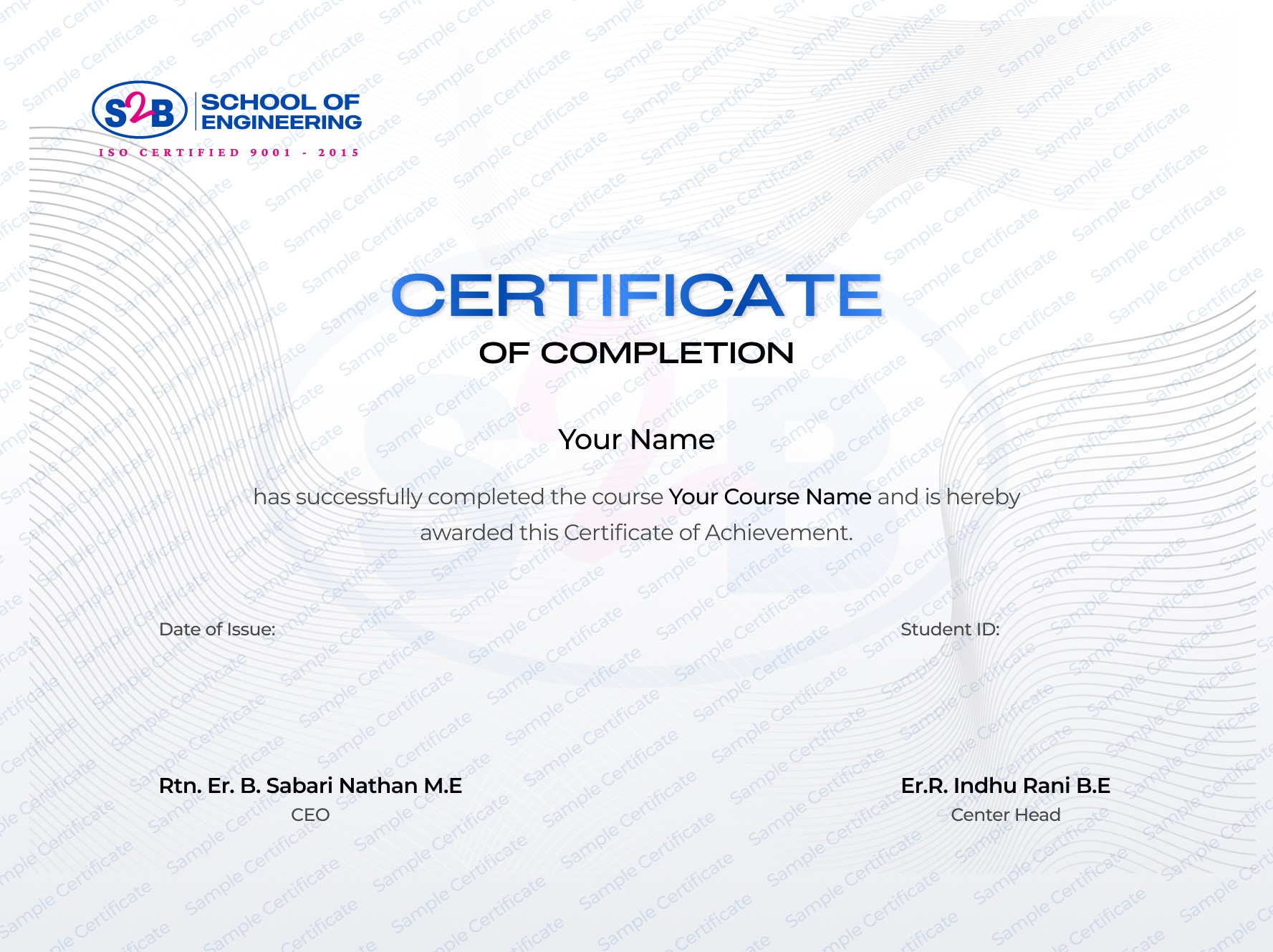
ISO-certified training certificate with verification
Instant availability upon course completion
Adds credibility and professionalism to your portfolio
Sharable on LinkedIn
After this course, you will be Able to
-
Develop precise 3D architectural and civil models with SketchUp
-
Produce realistic renders and animations using 3ds Max
-
Create professional walkthroughs for presentations and clients
-
Gain complete workflow knowledge from modeling to documentation
-
Build a strong portfolio that improves career opportunities locally and globally
Frequently Asked Questions
SketchUp and 3ds Max Training in Madurai | Civil course
Course Quick Info
A Course by

Indhu Rani
SketchUp & 3ds Max Trainer
Requirements
- Basic computer literacy and interest in architecture/design.
- No prior CAD or rendering experience required.
Target Audience
- Civil engineering and architecture students looking for visualization skills
- Architects and interior designers seeking advanced rendering workflows
- Freshers or professionals aiming for careers as visualizers or 3D designers