 For any question call us at





SolidWorks Course Overview
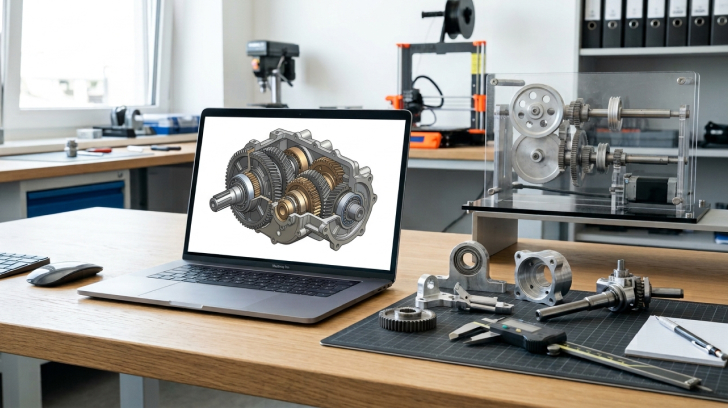
Our SolidWorks training in Madurai helps mechanical engineers and design professionals gain industry-ready skills in 3D CAD modeling, assemblies, and simulations. This course covers sketching, part modeling, sheet metal design, surface modeling, and motion analysis. With real-world projects and expert-led classes, you’ll develop hands-on expertise to work in product design, R&D, and manufacturing.
Comprehensive SolidWorks Training
Learn SolidWorks from basics to advanced concepts with industry-recognized certification.
100% Project-Based Learning
Gain practical experience through real-world product design projects.
Advanced CAD & Simulation
Master part modeling, sheet metal design, surfacing, and simulation techniques.
Expert Industry Trainers
Learn from experienced professionals with real-world mechanical design expertise.
Placement Support
Receive career guidance and placement assistance to launch your CAD career.
Module 1: Introduction to SolidWorks
- Overview of the SolidWorks environment
- Sketching basics & constraints
- Geometric dimensioning and tolerancing
- Templates, units & standards
- Fundamentals of parametric design
Module 2: Part Modeling & Features
- 3D part creation with extrude, revolve, sweep & loft
- Advanced part features (patterns, fillets, chamfers)
- Design intent and parametric control
- Design library and standard components
- Part documentation & detailing
Module 3: Assembly Design
- Creating assemblies with multiple components
- Applying mates & constraints
- Interference detection & collision checks
- Exploded views and assembly drawings
- BOM (Bill of Materials) generation
Module 4: Sheet Metal & Surface Modeling
- Sheet metal part design and flat pattern creation
- Flanges, bends, punches & forming tools.
- Surface modeling techniques
- Hybrid modeling (solid + surface)
- Case studies on industrial components
Module 5: Simulation & Advanced Applications
- Static structural analysis (stress & deformation)
- Motion studies and kinematic simulation
- Thermal analysis basics
- Optimization techniques for design
- Industry-level final project presentation
The SolidWorks course you will Master

SolidWorks
Let Your Certificate Speak
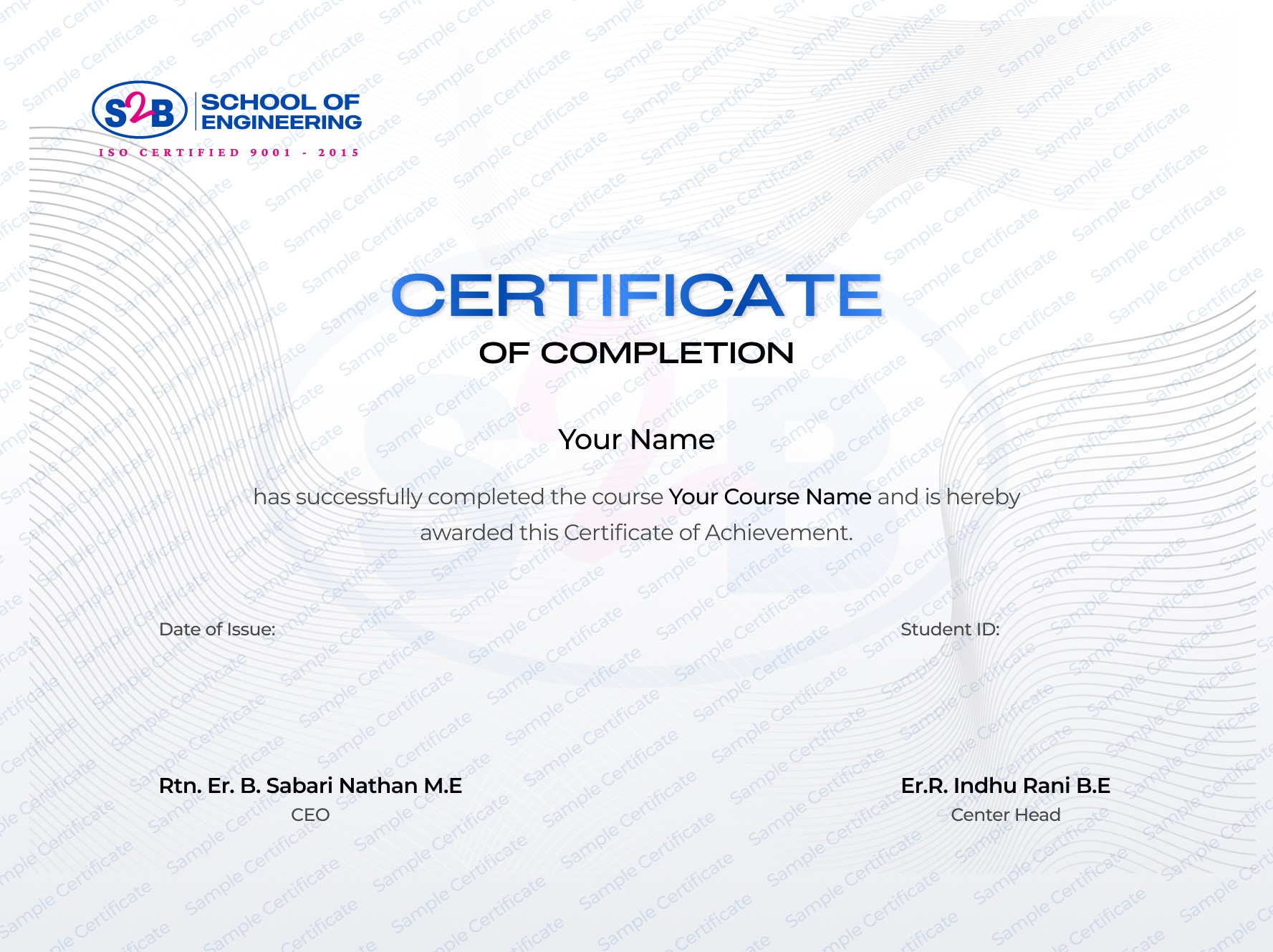
ISO-recognized training certificate
Instant digital certificate with verification
Adds value for product design & mechanical CAD careers
Sharable on LinkedIn
After this course, you will be Able to
-
Create professional 3D parts and assemblies
-
Perform simulations for stress and motion analysis.
-
Generate accurate manufacturing drawings.
-
Apply design optimization techniques.
-
Work confidently in the product design & manufacturing industries.
Frequently Asked Questions
SolidWorks Training with Certification Course
Course Quick Info
A Course by

Indhu Rani
SolidWorks & Mechanical Design Trainer
Requirements
- Basic knowledge of mechanical engineering concepts.
- Interest in 3D product design and CAD.
- No prior SolidWorks experience required.
Target Audience
- Mechanical engineering student or a fresher
- Working professional in product design or manufacturing
- Engineer looking to upskill with CAD tools
- Anyone aiming for a career in R&D or 3D modeling