 For any question call us at








SketchUp Course Overview

SketchUp is one of the most user-friendly and versatile 3D modeling software tools preferred by civil engineers, architects, and interior designers globally. This course teaches you how to develop accurate 3D models, create detailed plans, and visualize your designs effectively for real-world use. Our Sketchup course combines hands-on training with project-based learning, making it ideal for students and professionals who want to confidently master SketchUp for civil and architectural projects.
Learn 2D Drafting & 3D Modeling
Learn foundational 2D drafting and 3D modeling skills using SketchUp.
Hands-On Project Experience
Gain hands-on experience working on practical civil engineering projects.
ISO-Recognized Certification
Receive an ISO-recognized certification upon successful completion.
Advanced Rendering Techniques
Learn advanced rendering and presentation techniques, including layout creation.
Placement Assistance
Benefit from placement assistance and career counseling.
Module 1: Introduction to SketchUp
- Familiarize with the SketchUp interface and workspace navigation in 2D & 3D
- Work with basic drawing and editing tools
- Understand components, groups, layers, and tags for organized modeling
Module 2: SketchUp for Civil Engineering
- Build accurate 3D models of buildings and infrastructure
- Model sites and terrain with scaling and dimensioning
- Import AutoCAD drawings and use geolocation tools for precision layouts
Module 3: Materials, Textures & Visualization
- Apply materials and customize textures for realistic effects
- Build texture libraries tailored for civil construction materials
- Set up lighting for interior and exterior scenes
- Create walkthroughs and animated presentations
- Use V-Ray for photorealistic rendering
Module 4: Documentation Using SketchUp Layout
- Produce detailed 2D drawings with dimensions and annotations
- Generate elevations, sections, and layout files
- Export plans in PDF and AutoCAD compatible formats
- Prepare comprehensive presentations for clients
Module 5: Project-Based Learning & Portfolio Development
- Execute a complete civil project from modeling to rendering
- Apply textures, lighting, and final touches for realism
- Create walkthroughs and technical documents
- Receive project feedback and build a solid professional portfolio
The SketchUp course you will Master
Let Your Certificate Speak
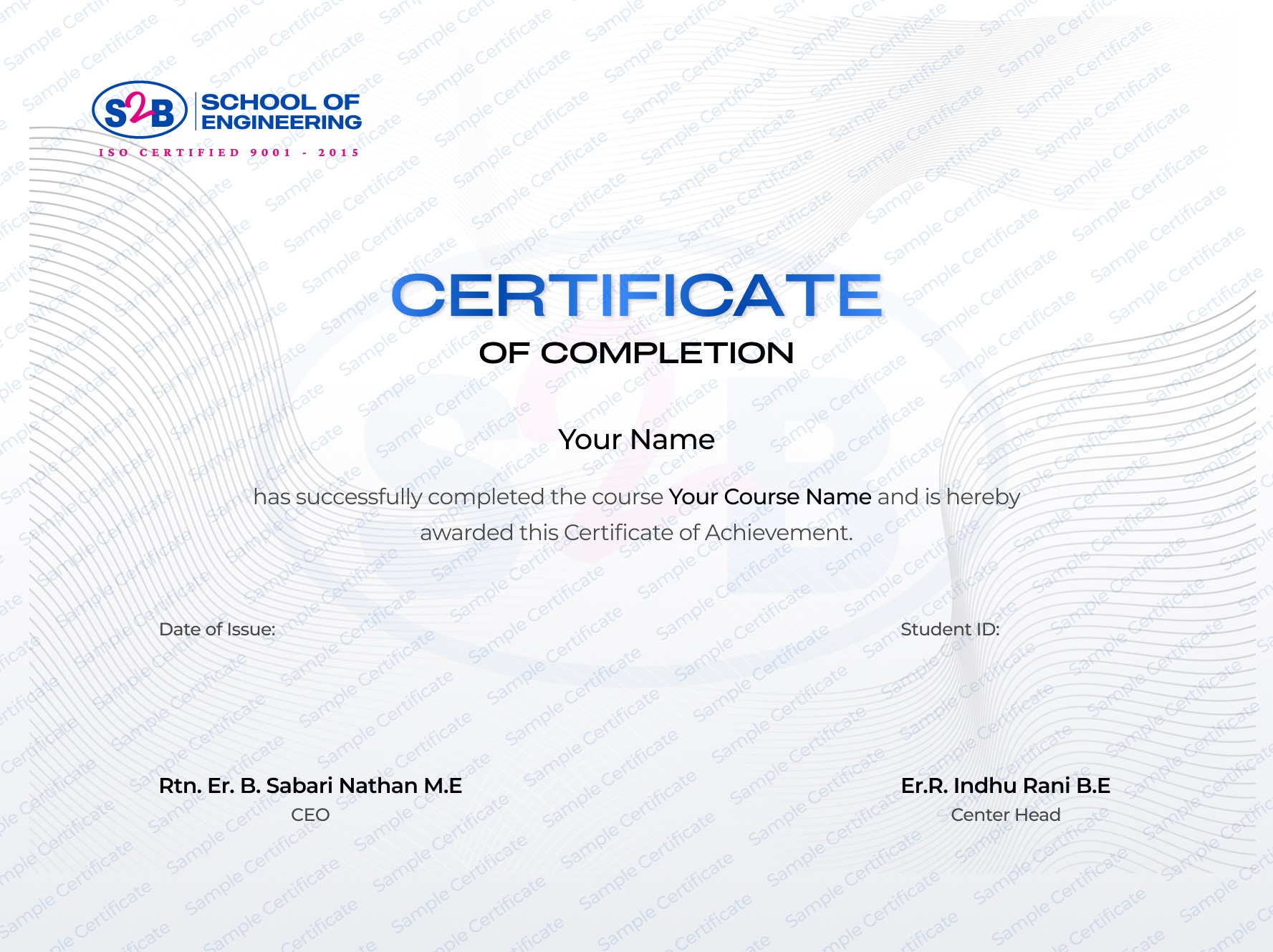
Globally recognized certification validating your structural design skills
Instant certificate download upon course completion
Unique verification link for employers and clients
Sharable on Linkedin
After this course, you will be Able to
-
Design detailed 2D and 3D civil and architectural models
-
Use materials and texture maps to enhance visual quality
-
Deliver walkthroughs and client-ready presentations
-
Prepare layouts and technical documentation for construction use
-
Work as a civil design professional, 3D modeler, landscape architect, or SketchUp artist
Frequently Asked Questions

SketchUp Training in Madurai
Course Quick Info
A Course by

Indhu Rani
Civil CAD Trainer
Requirements
- Basic understanding of civil engineering or architectural concepts
- Strong interest and passion for 3D design and visualization
- No laptop required; just your enthusiasm to learn SketchUp
Target Audience
- Civil and architecture students or recent graduates
- Professionals in construction, design, and architecture aiming to upskill
- Interior and exterior designers seeking advanced 3D visualization capabilities