 For any question call us at







3ds Max Course Overview

Our 3ds Max training introduces you to Autodesk 3ds Max, empowering you to create realistic architectural visualizations and 3D models. The course covers texturing, lighting, animation, and rendering techniques needed in professional workflows to produce high-quality visual designs for engineering and architectural projects.
Learn Modeling, Texturing, Lighting & Rendering
Learn modeling, texturing, lighting & rendering for design projects.
Master Animation Tools
Master animation tools: keyframe, procedural, motion paths & CAT rigging.
100% Practical Training
100% practical training with real-world visualization projects.
Expert Mentors
Expert mentors with industry experience in design & animation.
Career-Focused Guidance
Career-focused guidance & placement support after course completion.
Module 1: Introduction to 3ds Max
- Getting started with the interface
- Basics of 3D modeling
- Understanding coordinate systems
- Working with objects & modifiers
- File management & project setup
Module 2: 3D Modeling & Texturing
- Polygonal modeling
- Splines and surface tools
- Applying materials & textures
- UVW mapping techniques
- Modeling furniture & architectural elements
Module 3: Lighting & Rendering
- Standard and photometric lights
- Daylight simulation
- V-Ray & Arnold rendering basics
- Cameras and perspective setup
- Rendering high-quality images
Module 4: Animation & Walkthroughs
- Keyframe animation basics
- Path animation for walkthroughs
- Creating flythroughs for architecture
- Animating lights and objects
- Exporting animation videos
Module 5: Advanced Visualization Projects
- Interior rendering project
- Exterior architectural visualization
- Realistic product design showcase
- Advanced rendering techniques
- Portfolio project development
The 3ds Max course you will Master

3ds Max
Let Your Certificate Speak
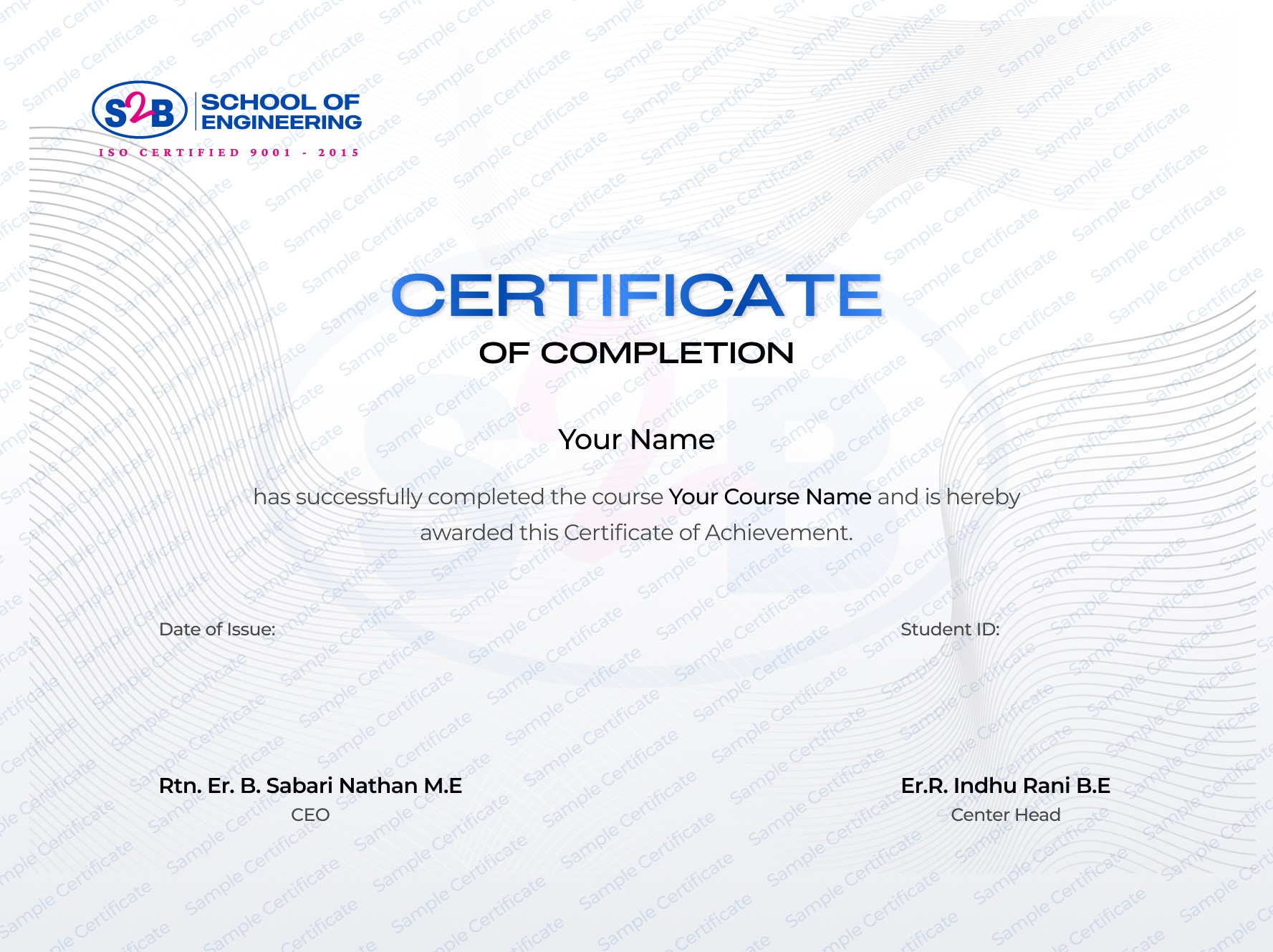
Recognized certification that upgrades your professional profile and portfolio.
Instant download after course completion
Verified & authentic, each certificate includes a unique verification link for employers to check.
Sharable on Linkedin
After this course, you will be Able to
-
Design 3D models for interior and exterior projects.
-
Render photorealistic images using advanced rendering engines.
-
Create professional animations and walkthroughs.
-
Develop a portfolio for architectural visualization.
-
Work confidently in real-world 3D modeling and design projects.
Frequently Asked Questions
3ds Max Course for Engineers & Designers
Course Quick Info
A Course by

Indhu Rani
Civil CAD Trainer
Requirements
- Keen interest in 3D design, architecture, or visualization.
- An active internet connection is required to access training content.
Target Audience
- A student of engineering or architecture wanting to expand 3D design skills.
- An early professional looking to upgrade CAD/3D visualization skills.
- A design enthusiast looking to start your journey in 3ds Max with hands-on, industry-relevant training.