 For any question call us at









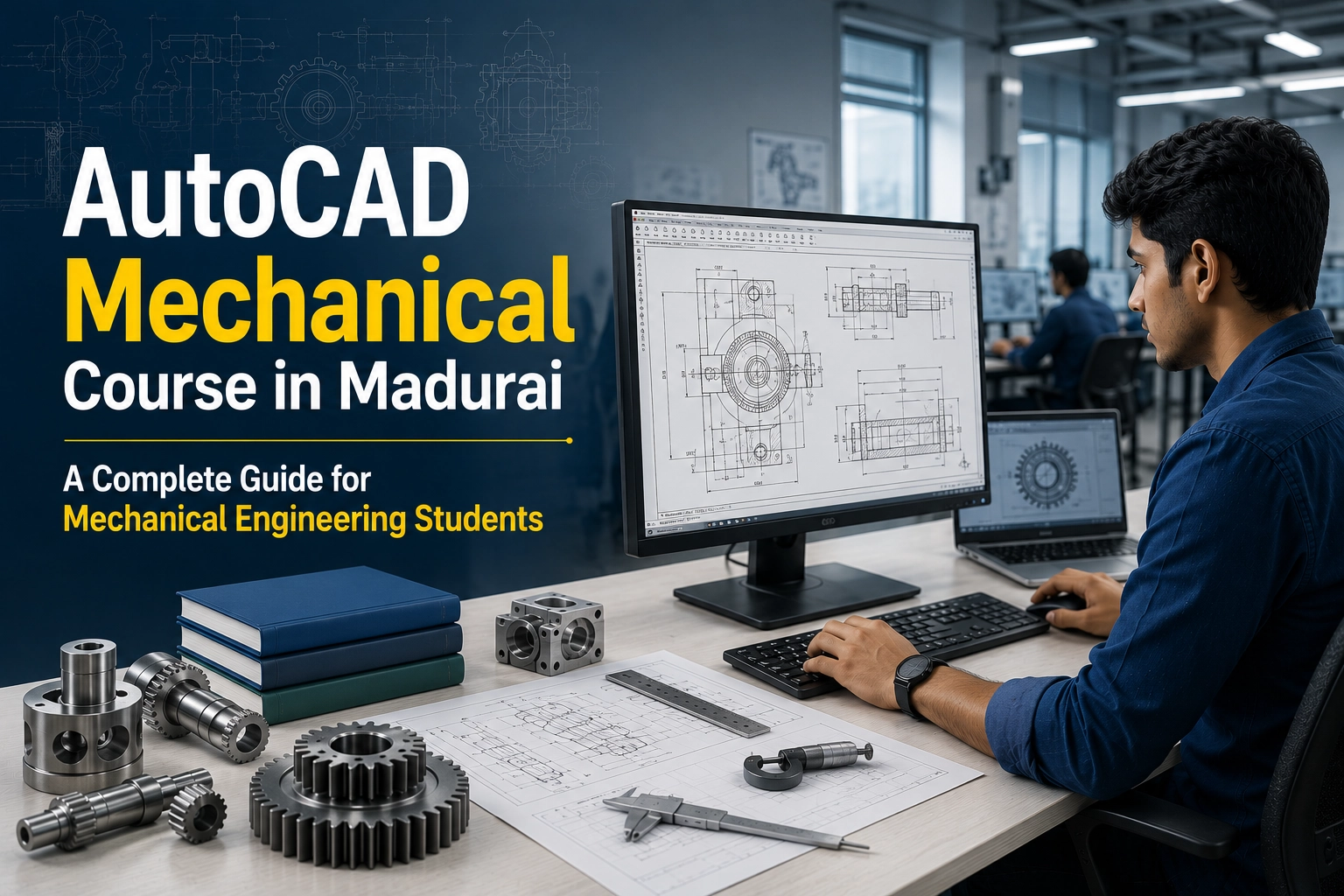
AutoCAD Mechanical Course in Madurai | Complete Guide for Mechanical Engineers
Introduction
If you're a mechanical engineering student or working professional building a career in design and manufacturing, learning AutoCAD Mechanical is a smart first step. New to CAD? Start with our AutoCAD Basics Guide before moving to AutoCAD Mechanical for industry-specific drafting skills.
Quick Answer: AutoCAD Mechanical helps create accurate 2D manufacturing drawings, technical documentation, and assembly layouts used across industries. Learning it in Madurai can open doors in manufacturing, automotive, and product design careers.

Why AutoCAD Still Matters for Mechanical Engineers
There's a myth that AutoCAD is "just for civil engineers" and mechanical students should jump straight to 3D parametric modelling. In reality, most mechanical workflows rely on both skill sets.
AutoCAD Mechanical is used for:
2D fabrication drawings sent directly to the shop floor
Standardized mechanical drafting following BIS/ISO conventions
Layout and assembly drawings that are faster to produce and edit than full 3D models
Cross-team documentation — DWG remains the most universally exchanged CAD file format, so vendors and fabricators often require it
Even engineers working mainly in SolidWorks or Fusion 360 regularly export 2D drawings in DWG format, which keeps AutoCAD fluency relevant regardless of which 3D tool a team uses.
AutoCAD vs SolidWorks vs Fusion 360: Where Does AutoCAD Fit?
This isn't really a competition — each tool solves a different problem.
Tool | Primary Strength | Best For | Learning Curve |
AutoCAD (Mechanical) | 2D drafting, DWG standard, fast layout work | Fabrication drawings, technical documentation | Moderate |
SolidWorks | Parametric 3D modeling, assemblies | Product design, assemblies, simulation | Moderate-Steep |
Fusion 360 | Cloud-based parametric design + CAM | Product design, prototyping, small teams | Moderate |
Creo | Advanced parametric modeling | Large-scale industrial product design | Steep |
Want a deeper comparison? Read our AutoCAD vs SolidWorks guide to see which software fits your career path best.
Beginner vs Professional Use
Aspect | Beginner Track | Professional Track |
Typical starting tool | AutoCAD (2D fundamentals) | AutoCAD + SolidWorks combined |
Drawing complexity | Simple parts, basic assemblies | Full GD&T, tolerance stacks, multi-sheet sets |
Time to basic proficiency | 4–6 weeks | 3–4 months for combined fluency |
Industry expectation | Entry-level drafting roles | Design engineer, product development roles |
What You'll Actually Learn in an AutoCAD Mechanical Course
A good AutoCAD for mechanical engineers course goes far beyond drawing lines. Expect to cover:
Precision drafting fundamentals — coordinate systems, snap/grid settings, mechanical drawing layers
Mechanical part drawing — orthographic projections, sectional and detail views
GD&T basics (Geometric Dimensioning & Tolerancing) — communicating tolerances so fabricators build exactly what was designed
Assembly drawings — bill of materials (BOM), exploded views, part numbering
Block libraries — reusable fasteners, bearings, and standard components
Sheet sets and title blocks — producing submission-ready drawing packages
DWG interoperability — exporting/importing between AutoCAD and SolidWorks or Fusion 360
Explore our AutoCAD Mechanical Training Course in Madurai for hands-on training with real industry projects.
Core AutoCAD Skills Every Mechanical Engineer Needs
Skill Area | Why It Matters |
Orthographic & sectional views | The universal language of mechanical fabrication |
GD&T annotation | Prevents errors from ambiguous tolerances |
Layer & standard management | Keeps drawings consistent across teams |
Block/library usage | Speeds up repetitive drafting |
Plotting & sheet sets | Required for final documentation |
DWG file management | Essential for vendor and cross-team collaboration |
Step-by-Step: How to Start Learning AutoCAD for Mechanical Design
Learn the AutoCAD interface and 2D basics — lines, circles, trim, offset, fillet, coordinates.
Practise orthographic projection by converting 3D objects into 2D front/top/side views.
Learn mechanical dimensioning standards (they differ from architectural conventions).
Study basic GD&T symbols and how they appear on real fabrication drawings.
Build a library of standard mechanical blocks — bolts, nuts, bearings.
Produce a complete assembly drawing set with BOM and title block as a portfolio piece.
Cross-train in SolidWorks or Fusion 360 to see how your 2D output fits the full design process.
Common Mistakes Beginners Make
Skipping 2D basics before jumping to 3D.
Ignoring drafting standards — dimensions, layers, and line weights.
Learning only one software — AutoCAD and SolidWorks complement each other.
Not practising real projects — assembly drawings and real-world designs matter.
Poor documentation — focusing only on geometry and skipping title blocks and the BOM.
Expert Tips from S2B Instructors
At S2B School of Engineering, Madurai, we recommend mastering 2D drafting before 3D modelling — it builds a strong foundation. Practice with real projects, follow industry drafting standards, and build a professional drawing portfolio. Pairing AutoCAD with SolidWorks improves technical skills and career opportunities.
Interested in another discipline? Explore our AutoCAD Electrical training programme too.
Career Paths After Learning AutoCAD in Madurai
Role | AutoCAD's Role in the Job |
CAD/Drafting Engineer | Primary daily tool for fabrication drawings |
Design Engineer | Used alongside SolidWorks/Fusion 360 for documentation |
Manufacturing/Production Engineer | Reads and revises shop-floor drawings |
Quality Engineer | Verifies GD&T and dimensional compliance |
Maintenance Engineer | Documents and updates equipment/plant layouts |
Consider learning SolidWorks after AutoCAD through our industry-focused training programme to boost job prospects.
For entry-level roles, AutoCAD proficiency alone often qualifies you for drafting and documentation positions. Design engineering roles increasingly expect both AutoCAD and SolidWorks/Fusion 360 skills — many mid-size Indian manufacturing firms list both explicitly in job postings.
Frequently Asked Questions
1. Is AutoCAD still relevant for mechanical engineers?
Yes. AutoCAD remains the industry standard for 2D fabrication drawings and DWG exchange, even as SolidWorks dominates 3D product design. Most roles expect proficiency in both.
2. Should I learn AutoCAD or SolidWorks first?
Start with AutoCAD to build 2D drafting fundamentals — views, dimensioning, and tolerancing. These concepts transfer directly and make SolidWorks easier to learn.
3. How long does it take to learn AutoCAD for mechanical design?
Basic 2D proficiency takes 4–6 weeks of consistent practice. Producing professional assembly drawing sets usually takes 2–3 months.
4. Do mechanical engineers really use AutoCAD or only SolidWorks?
Both – it's rarely either/or. AutoCAD handles final 2D fabrication documentation, while SolidWorks or Fusion 360 covers 3D design and simulation earlier in the process.
Conclusion
AutoCAD remains an essential skill for mechanical engineers, providing a strong foundation in 2D drafting and technical documentation. Paired with SolidWorks or Fusion 360, it prepares you for a wide range of design and manufacturing careers.
Ready to Start Your Career? Join the AutoCAD Mechanical course in Madurai at S2B School of Engineering for hands-on training, industry-focused projects, and placement support. Contact us today for a free career counselling session.