 For any question call us at








Lumion Course in Madurai: Skills, Career & Salary Guide
Introduction
Most civil engineering students can build a technically correct model. Columns are placed right, dimensions are accurate, and the plan makes sense. But when it's time to show that model to a client, a professor, or an interview panel, it often looks flat and lifeless – just lines and shapes on a screen.
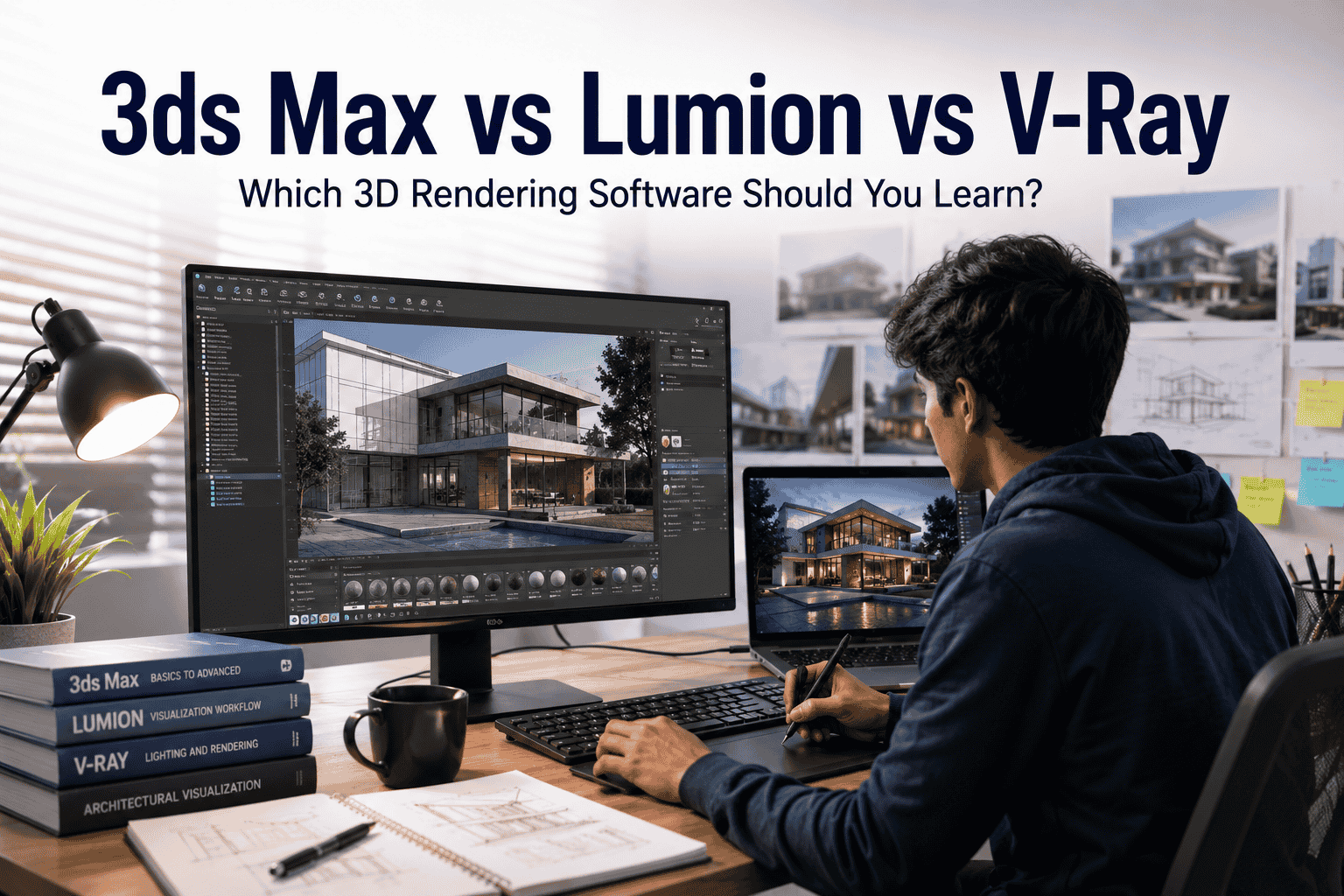
Presenting a design realistically is a different skill from modelling it. This is where Lumion comes in. It takes the model you've already built and turns it into something people can actually picture – sunlight on a facade, a walkthrough of a lobby, a building lit up at night. This guide covers what Lumion is, why it's worth learning for civil engineering students, and what a career built around it can look like.
What Is Lumion?
Lumion is 3D visualisation software. It takes a model you've built in a tool like SketchUp or Revit and turns it into a realistic image, animation, or walkthrough video.
It works in real time – meaning you see changes to lighting or materials instantly, instead of waiting for the software to process them. A Lumion scene is built from a few basic pieces: materials (how surfaces look), lighting (sun, time of day, artificial lights), environment (trees, sky, landscaping), and camera angles. Put together, these turn a plain model into a scene that looks like a real place.
Why Should Civil Engineering Students Learn Lumion?
Better project presentation. A rendered image explains a design faster than a floor plan, especially to non-technical viewers.
Stronger portfolio. Polished visuals make your project work look far more professional.
Better client communication. Clients can approve a design faster when they can actually see it.
A genuinely useful visualisation skill that most civil coursework doesn't teach.
Helps final-year project presentations stand out from the usual plan-and-elevation submissions.
One thing to be clear about: Lumion doesn't replace your civil engineering knowledge. It's a presentation skill that works alongside your modelling and design background – not instead of it.
Who Can Learn Lumion?
Diploma students – a good next step if you already know basic CAD modelling.
B.E./B.Tech students – adds a visible, practical skill your coursework likely skips.
Final-year students – great timing; use it for your final project and your first portfolio piece.
Fresh graduates – a fast way to add a software skill your degree didn't cover.
Working professionals – useful for presenting site plans or design proposals more clearly to clients.
What Will You Learn in a Lumion Course?
A practical Lumion course should take you beyond simply learning the software interface. You should learn how to take a 3D model, improve its visual quality, and turn it into a professional presentation.
The course typically covers:
- Interface and project setup
- Importing models from SketchUp, Revit, or similar 3D modelling tools
- Materials and textures to make surfaces look realistic
- Lighting, including sunlight, time of day, and artificial lights
- Environment and landscaping to create complete project surroundings
- Camera composition for better architectural views
- Realistic still-image rendering
- Walkthrough animation for presenting projects interactively
- Video creation and effects for professional project presentations
- Final project, taking a raw 3D model through the complete process to a finished presentation
If you want to explore the complete curriculum, training structure, and course details, check out our Lumion course in Madurai.
Lumion + Civil Engineering Workflow
Civil/Architectural model → Import into Lumion → Materials → Lighting → Environment → Camera → Render → Walkthrough → Final Presentation
This is roughly how visualisation work happens on real projects. You're not starting from scratch – you're taking a model you (or someone else) already built and turning it into something presentable.
What Projects Can Students Create?
Residential building – day and dusk renders; a good starting point for basic lighting practice.
Apartment project – a larger scene with shared spaces, good for handling scale.
Commercial building – exterior plus a lobby interior, showing you can do both.
Interior/exterior visualisation – one building, both a full exterior and a detailed interior room, which shows range.
Landscape or urban project – a plaza or streetscape, useful if you're interested in urban planning.
Career Opportunities After Learning Lumion
Job Role | What They Do | Where They Work |
Architectural Visualiser | Turns models into realistic renders and walkthroughs | Architecture firms, visualisation studios |
3D Visualiser | Produces still renders and animations for projects | Design studios, construction firms |
Visualisation Artist | Focuses on the visual quality – lighting, mood, realism | Studios, agencies, freelance |
Interior Visualisation Specialist | Renders interior spaces for approval and marketing | Interior design studios |
Real Estate 3D Visualisation Specialist | Pre-construction renders for property marketing | Real estate developers, marketing agencies |
Freelance 3D Visualiser | Takes on visualisation projects independently | Remote / independent |
Lumion Salary in India
Experience | Approximate Salary Range (Annual) |
Fresher (0–1 year) | ₹2–3.5 LPA |
1–3 years | ₹3.5–5.5 LPA |
3–5 years | ₹5.5–8 LPA |
Senior/experienced | ₹8 LPA and above |
These are approximate ranges, not guarantees. Actual pay depends on your experience, city, employer, portfolio quality, and any additional software skills you bring.
Career Growth Roadmap
Civil Engineering Student → Learn Modelling Basics → Learn Lumion → Build Portfolio → Internship / Entry-Level Job → 3D / Architectural Visualiser → Senior Visualiser → Visualisation Specialist / Freelancer
Skills to Learn Alongside Lumion
Lumion works best when you already understand basic 3D modelling and design concepts. Some useful skills to learn alongside Lumion include:
- SketchUp, Revit, or AutoCAD – you need a 3D model before you can visualise it.
- Basic design principles – understand scale, proportion, space, and composition.
- Lighting and composition – learn how to create visually appealing and realistic scenes.
- Basic Photoshop or post-production – improve renders with simple image editing and presentation techniques.
- Presentation skills – learn how to present your renders and projects professionally.
If you're building your civil engineering software skills, you can also explore Revit training for civil engineering students and AutoCAD training for civil engineering students to strengthen your modelling and drafting foundation before moving into visualisation.
How Long Does It Take to Learn Lumion?
Basic level – 1–2 weeks to import models and produce simple renders.
Intermediate level – around 3–4 weeks to handle lighting, environment, and basic animation confidently.
Portfolio-ready level – takes longer, usually several more weeks of independent practice after the course. Knowing the software and being job-ready are two different things – you also need a set of finished projects to show.
Common Mistakes Beginners Make
Relying only on default settings
Poor lighting choices
Overusing effects like fog or glare
Unrealistic materials
Weak camera angles
No portfolio to show
Focusing on software commands instead of learning to present a scene well
Is Lumion a Good Career Skill for Civil Engineering Students?
If you enjoy the design and presentation side of civil engineering, or you're interested in architecture-adjacent, interior design, or real estate visualisation work, yes – it's a genuinely useful skill to add.
If your interest is mainly structural design, site execution, or project planning, Lumion is less central to your day-to-day work. It can still help you present plans more clearly, but it won't be your main skill.
One honest point: Lumion doesn't guarantee a job or a high salary on its own. Its value comes from combining it with real modelling skills and a solid portfolio – not just the certificate.
Frequently Asked Questions
1. Is Lumion useful for civil engineering students?
Yes, especially if you're interested in design or client-facing work. Less essential if you're focused purely on structural or site roles.
2. Can diploma students learn Lumion?
Yes. Basic knowledge of a modelling tool like AutoCAD or SketchUp is enough to start.
3. Do I need SketchUp or Revit before Lumion?
Yes, or something similar. Lumion visualises models – it doesn't build them from scratch.
4. How long does it take to learn Lumion?
Basics in 1–2 weeks, intermediate skills in about a month, and portfolio-ready work usually takes a few more weeks of practice.
5. What jobs can I get after learning Lumion?
Architectural visualiser, 3D visualiser, interior visualisation specialist, and similar visualisation-focused roles.
Conclusion
Lumion won't replace your civil engineering knowledge, but combined with your modelling skills and a solid portfolio, it can genuinely strengthen your visualisation career options – from student presentations to real client work.
Learn Lumion at S2B School of Engineering, Madurai
Ready to turn your civil engineering knowledge into professional 3D visualisation skills? Join practical Lumion training at S2B School of Engineering, Madurai. Contact us today.
Enquire Now | Get Course Details | Talk to a Career Counsellor