 For any question call us at







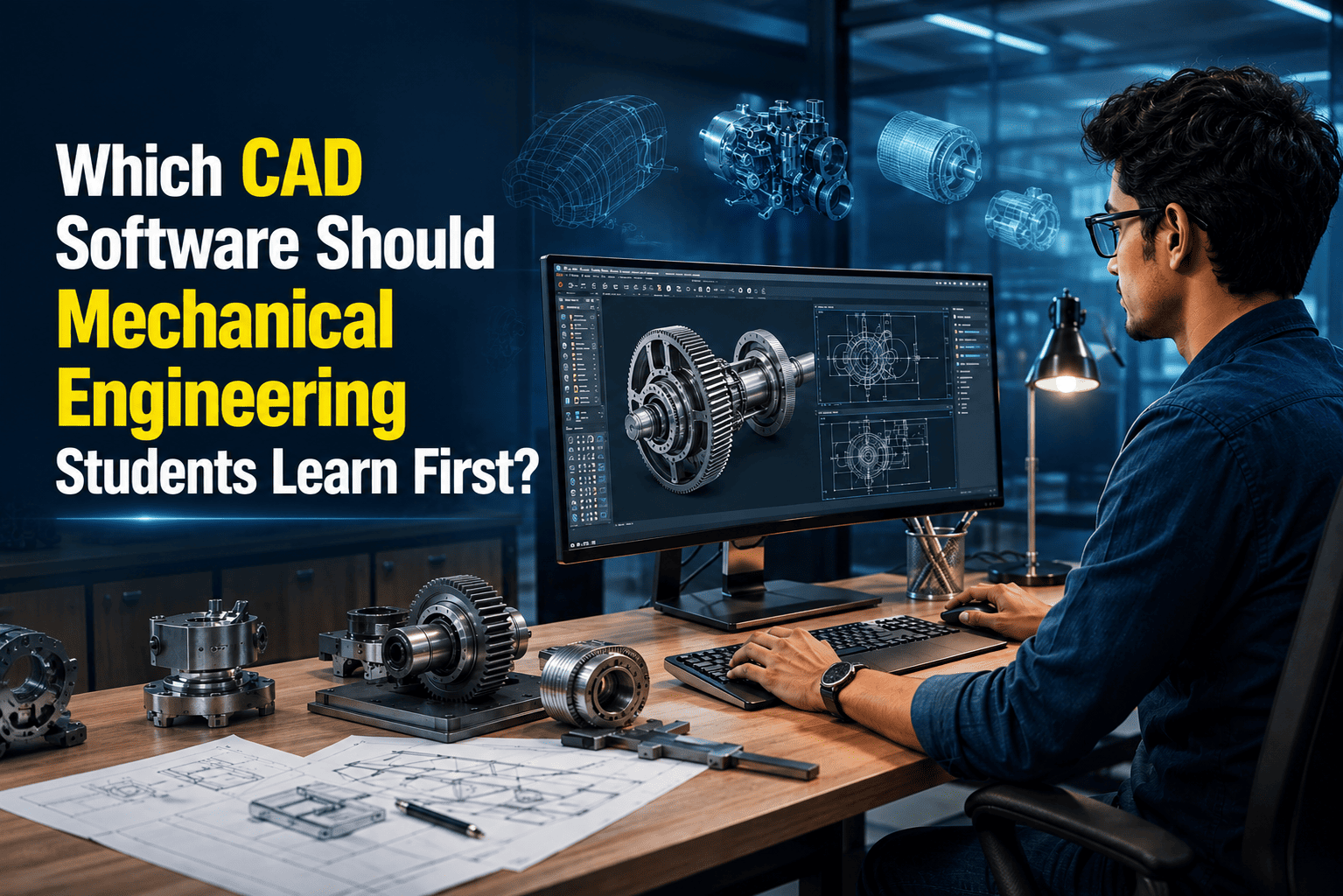
Which CAD Software Should You Learn First as a Mechanical Student?
Introduction
Ask five different people which CAD software to learn first, and you'll probably get five different answers. Your senior says AutoCAD. A friend swears by SolidWorks. A training institute pushes CATIA because "it pays more." A job posting you liked asks for Creo. None of them are wrong exactly they're just answering from their own experience, not yours.
The real question isn't which software is the best. It's which one actually lines up with the job and industry you're trying to get into. AutoCAD, SolidWorks, CATIA, and Creo all exist for different reasons, and once you understand what each one is actually built for, the decision gets a lot easier.
Why the CAD Software You Pick Actually Matters
CAD is usually the first technical skill recruiters check for on a mechanical engineering resume. But the software itself isn't the end goal it's a means to show you can design something, document it properly, and understand how it gets manufactured.
Picking a tool that matches your target industry saves you months. Picking one just because it's popular, or because a friend used it, often means relearning fundamentals later once you find out your dream company uses something else entirely.
AutoCAD: 2D Drafting and Technical Documentation
AutoCAD is a 2D drafting tool, and it's usually the first CAD software mechanical engineering students touch. Most manufacturing drawings even at companies running advanced 3D systems, are still communicated as 2D drawings on the shop floor.
Where it's used: Mechanical drawings, part layouts, assembly drawings, and general technical documentation that a workshop or vendor needs to actually manufacture something.
Skills you build: Reading manufacturing drawings correctly, preparing part and assembly drawings, and applying dimensioning and tolerancing conventions. Students who want a structured start can look at AutoCAD for mechanical engineering fundamentals before jumping into a 3D tool.
Job roles connected to AutoCAD: drafter, CAD draftsman, design support engineer, and mechanical drafting roles.
Limitation: AutoCAD isn't built for real 3D product design. It's not automatically the "best" first software for every student for someone who already knows they're headed into 3D product design, spending too long only on AutoCAD can slow things down.
Who should learn it: Most beginners, since reading and producing 2D drawings is a baseline skill used across almost every mechanical role, regardless of which 3D tool comes next.
SolidWorks: 3D Modelling for Mechanical and Product Design
SolidWorks is a 3D parametric CAD tool. You build parts using features like extrusions and holes that stay editable, then assemble multiple parts to check fit and motion, with 2D drawings generated directly from the model.
What it covers: Part modelling, assembly design, and engineering drawings that stay linked to your 3D design instead of being redrawn separately.
Industries: Product design, machinery, and general manufacturing. It's one of the most commonly requested CAD skills in mechanical design job listings.
Job roles connected to SolidWorks: CAD Designer, Junior Design Engineer, Mechanical Design Engineer, Product Design Engineer.
Why students pick it as a second tool: It covers the complete part–assembly–drawing workflow that entry-level design roles expect you to already know. Students who want to develop practical 3D design skills can explore SolidWorks & CATIA Mechanical Design Training.
CATIA: Large-Scale Design for Automotive and Aerospace
CATIA is built for advanced 3D product development, large assemblies, complex surface modelling, and design work at a scale most other CAD tools aren't optimised for.
Automotive relevance: CATIA is the standard platform at many automotive OEMs and tier-1 suppliers, used for everything from individual components to full vehicle body design.
Aerospace relevance: Similarly widespread in aerospace, where structural complexity and large-team collaboration are even higher.
Job roles connected to CATIA: Junior Design Engineer, CAD Engineer, later moving into Design Engineer or Product/Vehicle Design roles.
Important note: CATIA isn't universally "better" than SolidWorks it's built for a different scale and type of work. It also has a steeper learning curve, so it's rarely the right first CAD tool. It makes more sense once you already understand 3D modelling basics and know you're specifically targeting automotive or aerospace.
Creo: Parametric Precision for Industrial and Manufacturing Design
Creo (formerly Pro/ENGINEER), built by PTC, is known for precise, feature-based part design with tight control over design parameters.
What it covers: Parametric modelling where manufacturing-ready detail matters as much as the design itself.
Industrial relevance: Common in heavy machinery and industrial design, especially at companies already using PTC's software ecosystem.
Job roles connected to Creo: Junior Design Engineer, CAD Designer, progressing into Design Engineer roles in industrial or manufacturing-focused companies.
Who should consider it: Students targeting industrial or manufacturing-focused design roles, particularly if a known target employer or industry segment already uses Creo as standard. Like CATIA, it's easier to pick up once you already know SolidWorks or another 3D tool.
CAD Software Job Comparison
CAD Software | Common Entry-Level Jobs | Main Industries | Career Direction |
AutoCAD | Drafter / CAD Draftsman / Design Support | Manufacturing, construction-related engineering, mechanical drafting | Drafting → Senior Drafting / Design Support |
SolidWorks | CAD Designer / Junior Design Engineer | Product design, machinery, manufacturing | CAD Designer → Design Engineer → Product Design |
CATIA | Junior Design Engineer / CAD Engineer | Automotive, aerospace | CAD Engineer → Design Engineer → Product/Vehicle Design |
Creo | Junior Design Engineer / CAD Designer | Industrial equipment, manufacturing | CAD Designer → Design Engineer → Industrial Design |
These are typical patterns, not fixed rules. Company size, region, and your own engineering fundamentals all affect where you actually land.
Salary Comparison (Indicative Only)
Salary is part of this decision, so it's worth addressing honestly. No CAD software by itself guarantees a specific number; it makes you eligible for certain roles, and your actual pay depends on far more than the tool you know.
Role | Typical Software | Indicative Entry-Level Salary in India |
Drafter / Design Support | AutoCAD | ₹2–4 LPA |
CAD Designer / Junior Design Engineer | SolidWorks | ₹3–6 LPA |
Design Engineer – Automotive/Aerospace | CATIA | ₹4–7 LPA |
Design Engineer – Industrial/Manufacturing | Creo | ₹3.5–6.5 LPA |
These figures are indicative only, not guaranteed. CATIA doesn't automatically pay more because of the software for automotive and aerospace roles tends to sit at this range due to the scale and complexity of the work involved. Your actual salary depends on company, location, industry, years of experience, core engineering fundamentals, and the quality of your project portfolio.
Career Path: Where Each Software Can Take You
AutoCAD: AutoCAD → Drafter / CAD Draftsman → Senior Drafter / Design Support
SolidWorks: SolidWorks → CAD Designer → Junior Design Engineer → Design Engineer / Product Designer
CATIA: CATIA → Automotive/Aerospace CAD → Design Engineer → Product/Vehicle Design
Creo: Creo → CAD Designer → Design Engineer → Industrial/Manufacturing Design
None of these paths happen automatically just because you learned the software. Progression depends on how well you combine CAD skills with engineering fundamentals and on the specific opportunities available in your target industry.
Skills That Make You Job-Ready Beyond CAD
Software knowledge gets you shortlisted for an interview. It doesn't get you hired on its own. Employers are really checking whether you understand why a component should be designed a certain way, not just whether you know where the extrude command is. That means building a working understanding of mechanical design engineer skills alongside your CAD tool:
GD&T (Geometric Dimensioning and Tolerancing) drawings without proper tolerancing aren't manufacturing-ready
Engineering drawing standards, so you can both read and produce them correctly
Basic manufacturing processes: machining, casting, sheet metal so you know if a design can actually be made
Materials knowledge and how it affects design decisions
Design for Manufacturing (DFM) thinking
Assembly design experience checking fit, clearance, and motion between parts
If you're unsure where to start, our GD&T for mechanical engineers guide covers the basics most beginners skip.
Projects and Portfolio
Tutorials teach you the interface. Projects teach you to actually design. A few practical, beginner-to-intermediate options worth building:
Mechanical bracket
Shaft with keyway
Coupling
Gear assembly
Bearing housing
Simple machine assembly (a small vice or clamp)
Sheet metal component
Automotive component (suspension bracket or wheel hub)
Don't just save the final render. Present each project as a 3D model + engineering drawing + dimensions/GD&T + a short explanation of your design decisions. That combination is what shows a recruiter you can take a problem from concept to a finished, usable design, which is exactly what they're trying to evaluate when they ask about your CAD experience. If you want a curated list, see CAD projects for mechanical engineering students.
A Practical Learning Roadmap
You don't need to learn AutoCAD, SolidWorks, CATIA, and Creo all at once, and honestly, trying to usually backfires. A more realistic progression looks like this:
Engineering drawing basics
CAD fundamentals
2D drafting
3D parametric modelling
Assembly design
Engineering drawings from 3D models
GD&T and manufacturing basics
Practical projects
Industry-specific CAD software (CATIA or Creo, based on your target industry)
Portfolio building
The order can shift slightly depending on where you're starting from, but the underlying logic stays the same: fundamentals first, software second. For a broader view of how this fits into your overall career planning, check out our mechanical engineering career roadmap.
FAQs
1. Which CAD software should a mechanical engineering student learn first?
For most beginners, AutoCAD is the practical starting point since 2D drafting is a baseline skill used across nearly every mechanical role. From there, SolidWorks is a common next step for general product design.
2. AutoCAD vs SolidWorks: which is better for jobs?
They're not really competing for the same jobs. AutoCAD supports drafting and design-support roles, while SolidWorks supports CAD designer and design engineer roles. Most students eventually need both.
3. Is CATIA necessary for automotive design?
If you're specifically targeting automotive or aerospace OEMs and suppliers, yes, CATIA is the standard tool at most of these companies. It's not necessary for general mechanical design roles.
4. Is Creo useful for mechanical design jobs?
Yes, particularly for industrial equipment and manufacturing-focused roles, or if you already know your target employer uses PTC's software ecosystem.
5. Can I get a job with only AutoCAD?
Yes, for drafting and design-support roles. But most design engineer positions expect 3D modelling skills too, so AutoCAD alone will limit your options as you try to move up.
6. What skills should I learn along with CAD?
GD&T, engineering drawing standards, basic manufacturing processes, and materials knowledge. These are what actually make your CAD models usable in a real job, not just accurate on screen.
Conclusion
There's no single "correct" first CAD software, only the one that matches where you're trying to go. Start with AutoCAD if you're a complete beginner, move into SolidWorks for general product design, and add CATIA or Creo only once your target industry is clear. Whichever path you choose, pair the software with GD&T, manufacturing knowledge, and a portfolio built on real projects. That combination is what actually gets you shortlisted for mechanical design jobs.
Ready to Build Your CAD Skills?
Learning CAD is only the first step. With the right training, practical projects, and industry-focused skills, you can prepare yourself for mechanical design and CAD-related career opportunities.
Start learning the CAD skills that match your career goal and take the next step toward becoming job-ready.
Enquire Now | Start Your CAD Learning Journey